
What a Mackinac County Court Docket Shows
A docket is the official case history a court clerk keeps. Michigan courts call it the register of actions. It lists each filing, hearing, motion, order, and judgment in the order the events happened. Think of it as the spine of a case. Each line marks one step, with a date and a short label.
The docket is not the full case file. The full file holds the actual documents, such as the complaint, motions, exhibits, and signed orders. The docket only names those documents and says when they arrived. In many Michigan systems the online docket shows the register entries, while the document images stay at the clerk counter. That split matters when a reader needs a signed order and not just a note that one exists.
Dockets look a little different by court. A 92nd District Court traffic docket is short and moves fast. An 11th Circuit Court felony or divorce docket runs longer, with more hearings and orders. A 6th District Probate Court estate docket tracks filings over months or years. The core idea holds across all three: the docket is a dated map of what a case did and when.
How to Find Mackinac County Court Dockets Online
The main online tool is MiCOURT Case Search, run by the Michigan Judiciary. Depending on the court, it may return civil, traffic, criminal, domestic, and probate cases. Coverage depends on which court took part and the case type. A name that shows nothing online may still have a docket on paper at the courthouse. The live search screen was blocked during research, so the fields below reflect the official page and application text rather than a guaranteed layout.
- Open MiCOURT Case Search and pick the court that matches the record. Circuit handles felonies, divorce, and larger civil cases. District handles misdemeanors, traffic, and small claims. Probate handles estates and guardianships.
- Search by case number first if you have one from a notice, ticket, or pleading. A case number skips spelling problems and common-name mix-ups.
- If you only have a name, enter the full legal last and first name, then narrow by court type or filing year.
- Read the result as a register of actions. It may list docket events, hearing dates, parties, and status, but document images can be restricted.
- If nothing appears, call the court that owns the case or visit the clerk counter. A date-of-birth search is reserved for users approved by the State Court Administrative Office, so a public search may not offer it.
MiCOURT is a search tool, not a certification service. A page printed from it is not a certified copy. For a certified docket or order, request it from the clerk of the court that holds the case.
What a Mackinac County Docket Contains
Every docket is built from a set of standard fields. The exact labels vary by case type, but most share a common core. No live Mackinac County sample was viewable during research, so the fields below reflect the typical Michigan register of actions, not an observed county screen. Use them as a guide to what a docket line usually carries.
| Field | What It Typically Shows |
|---|---|
| Case Number | The court's unique key for the case, printed on every notice and paper. |
| Filing Date | When the complaint, petition, citation, or charge was filed. |
| Parties | Plaintiff and defendant, or the People of Michigan and a defendant in a criminal case. |
| Attorneys | The prosecutor, defense counsel, or civil lawyers of record. |
| Docket Events | The dated list of filings, motions, orders, and other actions. |
| Hearing Dates | Scheduled arraignments, conferences, trials, and review dates. |
| Judge | The circuit judge, district judge, probate judge, magistrate, or referee assigned. |
| Case Status | Whether the case is open, closed, pending, or on appeal. |
| Disposition | The outcome, such as a plea, verdict, dismissal, or judgment. |
Note: A docket may show financial entries too, such as fines, costs, restitution, or bond, but those figures can lag behind the paper file.
Docket Terms Explained
Docket lines use short legal words that can confuse a first-time reader. The list below defines the terms that show up most often on a Michigan register of actions. Learning a handful of them makes a docket far easier to follow.
- Register of actions
- The chronological case history that lists filings, hearings, orders, and dispositions.
- Motion
- A written request asking the court to take a specific action.
- Order
- A written command or decision signed by the judge.
- Judgment
- The final decision that sets rights, liability, possession, or money owed.
- Continuance
- A postponement of a hearing or deadline to a later date.
- Disposition
- The final outcome of a charge or case.
Where Mackinac County Court Dockets Live
Three state trial courts serve Mackinac County from the same courthouse, and each keeps its own dockets. A felony or divorce docket sits with the 11th Circuit Court. A traffic or misdemeanor docket sits with the 92nd District Court. An estate or guardianship docket sits with the 6th District Probate Court. Federal cases are separate and live in the federal court system, not the county courthouse.
- 11th Circuit Court - felonies, divorce and domestic relations, and civil cases over $25,000, plus appeals from district court. Circuit dockets can be reached by phone at (906) 643-7305.
- 92nd District Court - traffic, misdemeanors, small claims, landlord-tenant, and civil cases up to $25,000, plus the first steps of felony cases.
- 6th District Probate Court - estates, guardianships, conservatorships, and name changes. Probate dockets can be reached by phone at (906) 643-7303.
When a case does not surface online, the fastest fix is a call to the right court or a trip to the clerk counter at the courthouse. The clerk can read a docket entry, confirm a hearing date, or pull a certified copy. For a wider look at how these files fit together, the Mackinac County court records page maps the full set of case types by court.
Federal dockets for cases tied to the county run through the U.S. District Court for the Western District of Michigan. Its official Western District site links PACER, electronic filing, and court locations.
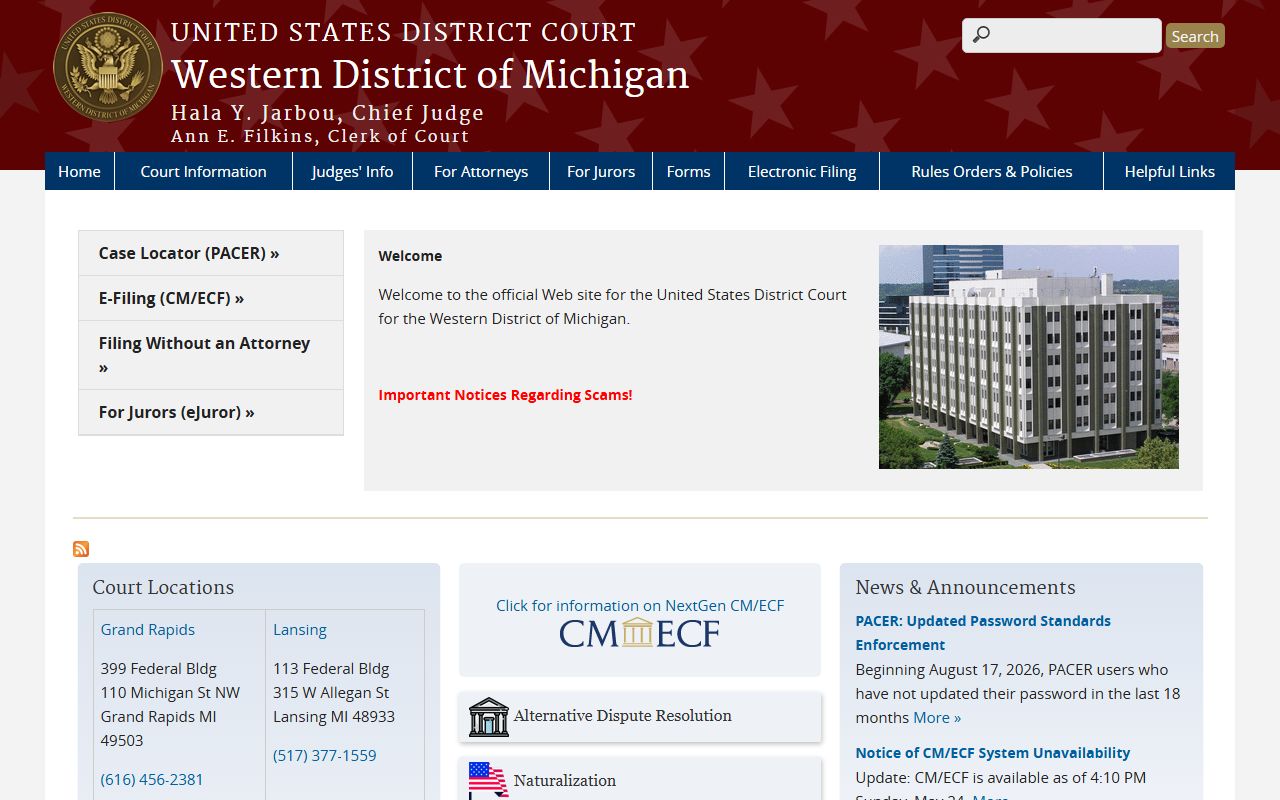
That homepage is the entry point for any federal docket touching Mackinac County, since the county falls inside this district rather than a local federal office.
Docket vs. Full Case File in Mackinac County
Readers often expect a docket to hand them the documents themselves. It usually does not. The docket lists events, while the full case file holds the paperwork behind them. The table below sets the two side by side so it is clear which one answers a given question.
| Docket | Full Case File | |
|---|---|---|
| Format | Dated list of entries | Full documents and exhibits |
| What you see | Event labels and dates | Motions, orders, and signed papers |
| Access | Often online through the register of actions | May need a clerk visit or a copy fee |
| Best use | Track case progress and hearing dates | Legal review, evidence, certified copies |
For a criminal matter, the docket shows the arc from charge to sentence, while the sentencing detail and the full record live in the Mackinac County criminal court records. The docket is the quick view; the file is the proof.
How to Read a Mackinac County Court Docket
A docket reads from the top down, oldest entry first. Each line answers three questions: what happened, who did it, and when. Once the pattern clicks, a long docket becomes easy to scan. The steps below walk through a typical entry.
- Start with the case number and party names at the head of the docket. Confirm you have the right case before reading further.
- Read entries in date order. The filing date sits at the start, and the newest action sits at the bottom.
- Match each label to a plain meaning. A motion is a request, an order is a ruling, and a judgment is the final decision.
- Find the disposition line for the outcome. It shows a plea, verdict, dismissal, or judgment.
- Watch for a continuance, which pushes a date later, and for any warrant or status change.
- If a line is unclear or an abbreviation is unfamiliar, call the clerk of that court and ask what the entry means.
Note: A docket entry marks that an event occurred, but it does not always show the reasoning, so the signed order or transcript may be needed for the full story.
Federal Court Dockets for Mackinac County Cases
Some cases connected to Mackinac County are federal, not state. Federal district court handles federal crimes, civil rights actions, federal-question civil cases, and habeas and prisoner matters. Those dockets do not appear in MiCOURT. They live in the federal system for the U.S. District Court for the Western District of Michigan, the district that covers the county.
The Upper Peninsula federal courthouse for this district sits in Marquette, the closest listed location for eastern Upper Peninsula matters. The court's court locations page lists Marquette along with Grand Rapids, Lansing, and Kalamazoo.
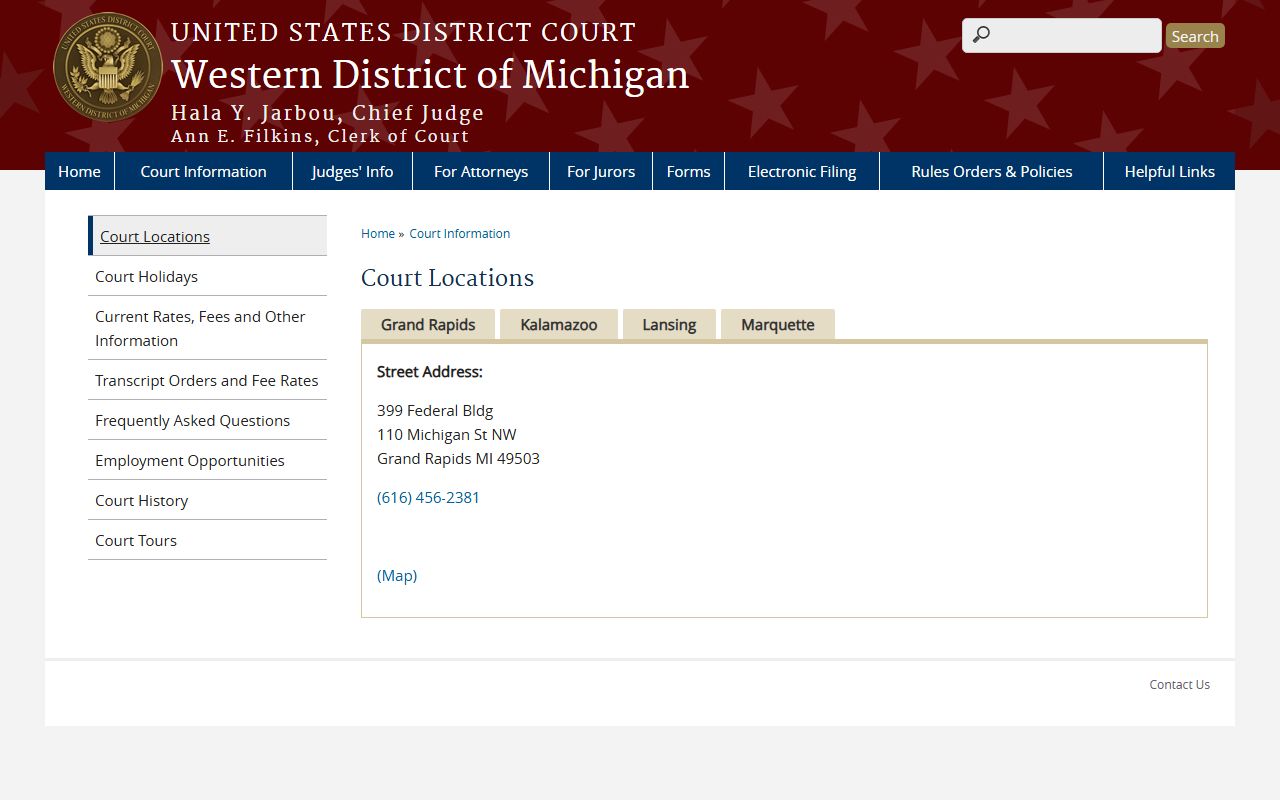
Marquette is the practical federal venue for many Mackinac County federal filings, which spares a long trip to the Grand Rapids headquarters.
Federal filing and docket data flow through the CM/ECF system, the court's electronic case management platform. Its CM/ECF login page is where authorized filers submit documents that then appear on the docket.
CM/ECF is the filing side of the same system that PACER reads from, so a document filed there becomes a docket entry the public can later view.
Looking Up Federal Dockets on PACER
PACER is the official public-access service for federal appellate, district, and bankruptcy dockets. A free MiCOURT search will not reach these records. A PACER account is required, and fees along with fee-waiver rules are set by the federal judiciary, so check PACER's own pricing before a large search. The court lookup page confirms the district's electronic access contacts and hours.
Each federal court has its own PACER lookup entry. The PACER lookup for the Western District Court lists the general and electronic filing contacts for district cases.
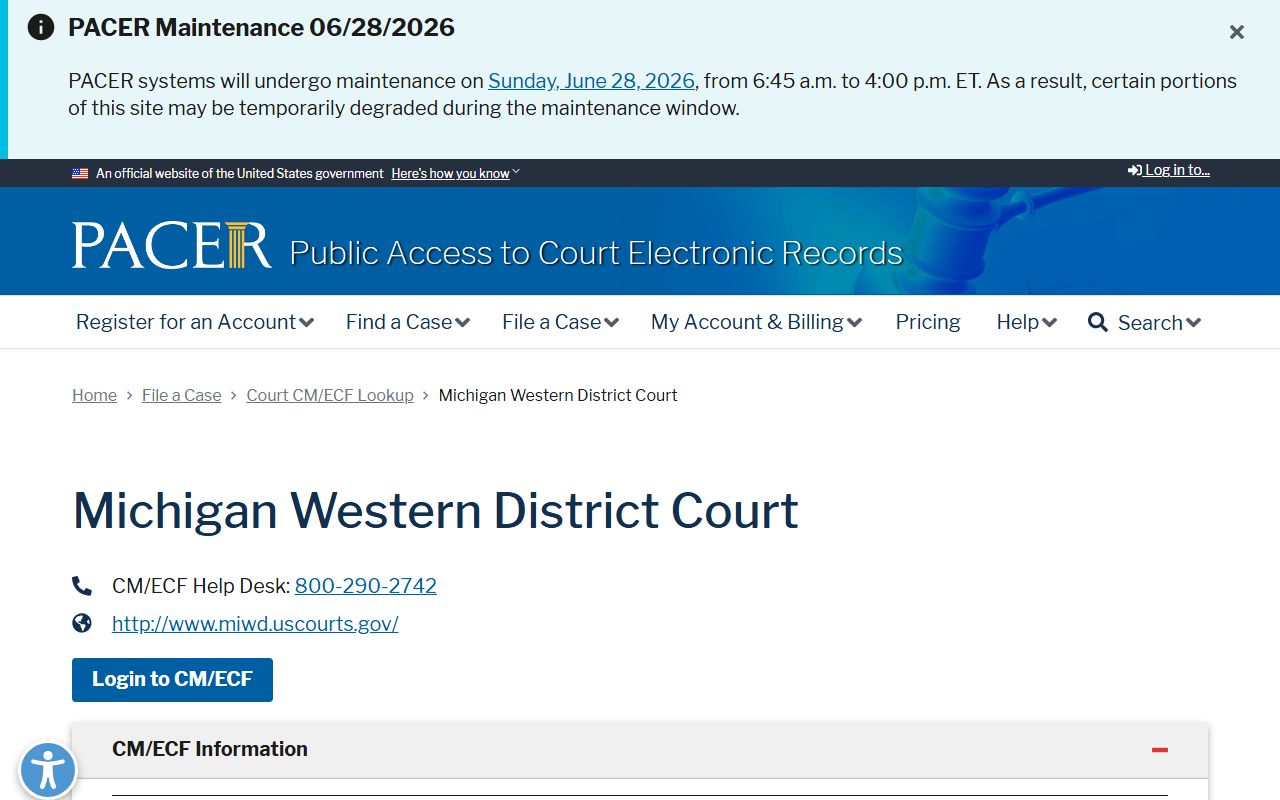
That lookup is the quickest way to confirm the right access point before opening a district docket tied to the county.
Bankruptcy dockets sit in a separate court. The U.S. Bankruptcy Court for the Western District of Michigan keeps its own filings, and its official bankruptcy court site links PACER, electronic filing, and claim tools.
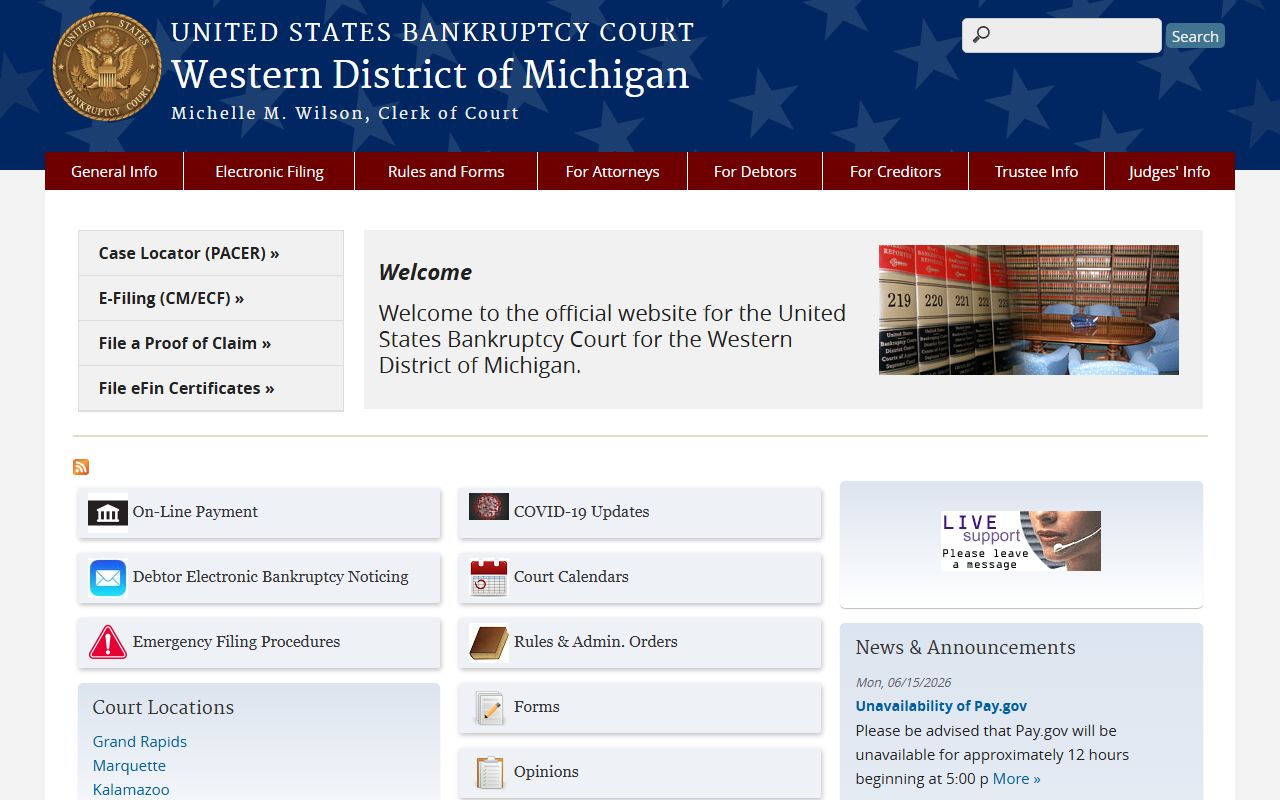
A Mackinac County resident filing or researching bankruptcy uses this court, not the county courthouse or the district court.
The bankruptcy court has its own PACER entry as well. The PACER lookup for the Western District Bankruptcy Court lists the clerk's office contact and access details.
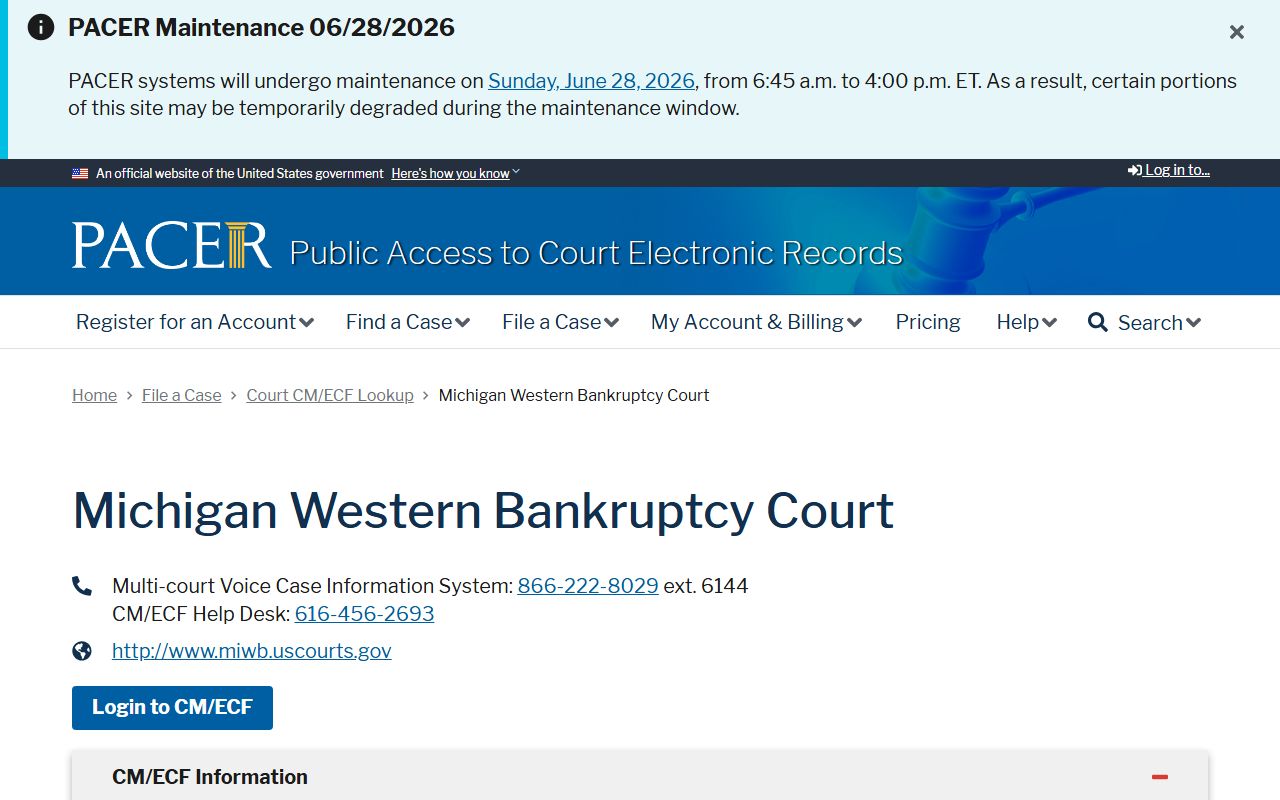
Matching the case to the right court, district or bankruptcy, saves time because each keeps a distinct docket under its own PACER path.